Getting Started with Captcha Solver
Contents
Welcome to the Captcha Solver API! This guide will walk you through the basics.
What is Captcha Solver?#
Captcha Solver is a powerful API service that automatically solves various types of CAPTCHAs. We support:
- reCAPTCHA v2, v3 & v2 Enterprise
- Cloudflare Turnstile
- Yandex SmartCaptcha
- GeeTest v3 & v4
- ImageToText and Coordinates - simple image recognition and click tasks
- And many more
Creating a Task#
You can use our API with any HTTP client. Here's a quick example with cURL, requesting a reCAPTCHA v2 solution:
curl -X POST https://api.captcha-solver.com/createTask \
 -H "Content-Type: application/json" \
 -d '{
 "clientKey": "YOUR_API_KEY",
 "task": {
 "type": "RecaptchaV2TaskProxyless",
 "websiteURL": "https://example.com",
 "websiteKey": "6Le-wvkSAAAAAPBMRTvw0Q4Muexq9bi0DJwx_mJ-"
 }
 }'
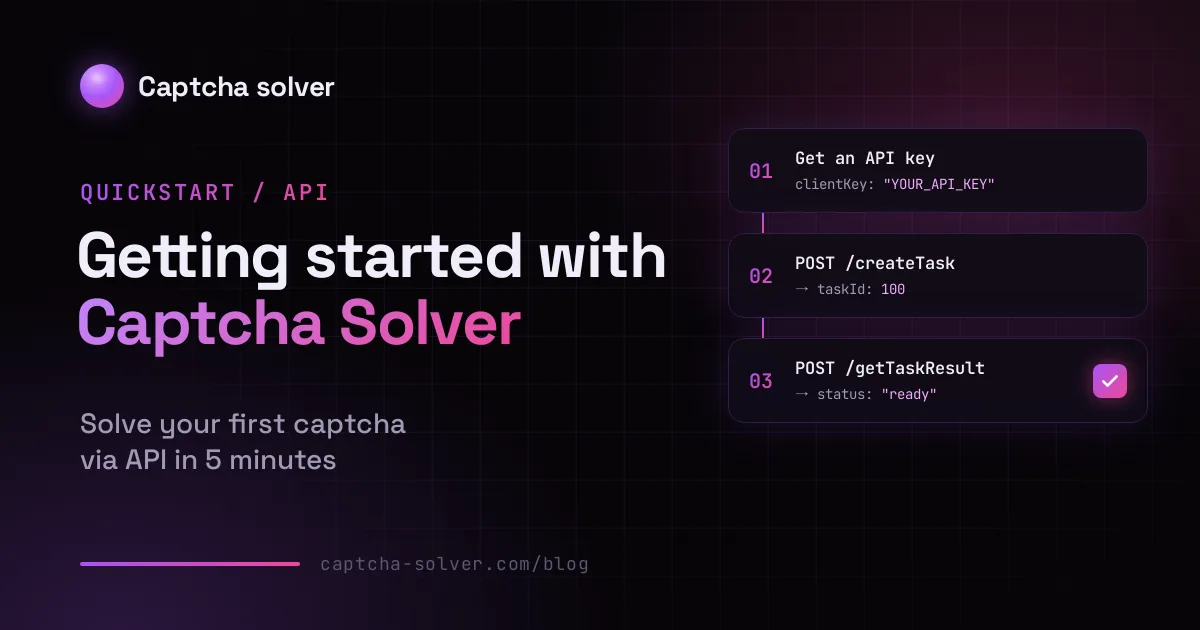
The response returns a taskId right away - the task itself is solved asynchronously:
{ "errorId": 0, "taskId": 100 }
Getting the Result#
Poll getTaskResult with the taskId until the status changes to ready. We recommend polling no more often than once every 5 seconds:
curl -X POST https://api.captcha-solver.com/getTaskResult \
 -H "Content-Type: application/json" \
 -d '{
 "clientKey": "YOUR_API_KEY",
 "taskId": 100
 }'
While the task is still being solved, you'll get:
{ "errorId": 0, "status": "processing" }
Once it's done, the solution appears in the response:
{ "errorId": 0, "status": "ready", "solution": { "gRecaptchaResponse": "..." } }
Getting Your API Key#
- Sign up and open your Dashboard
- Your API key is shown on the dashboard - use the Change key button if you need a new one
- Copy your key and keep it safe
What's Next?#
Check out our comprehensive documentation for:
- All supported CAPTCHA types
- Code examples in Python, Node.js
- Error handling and troubleshooting
- Pricing information